

版本介绍
Build.24648463|容量25.6GB|官方简体中文|支持键盘.鼠标.手柄
游戏介绍
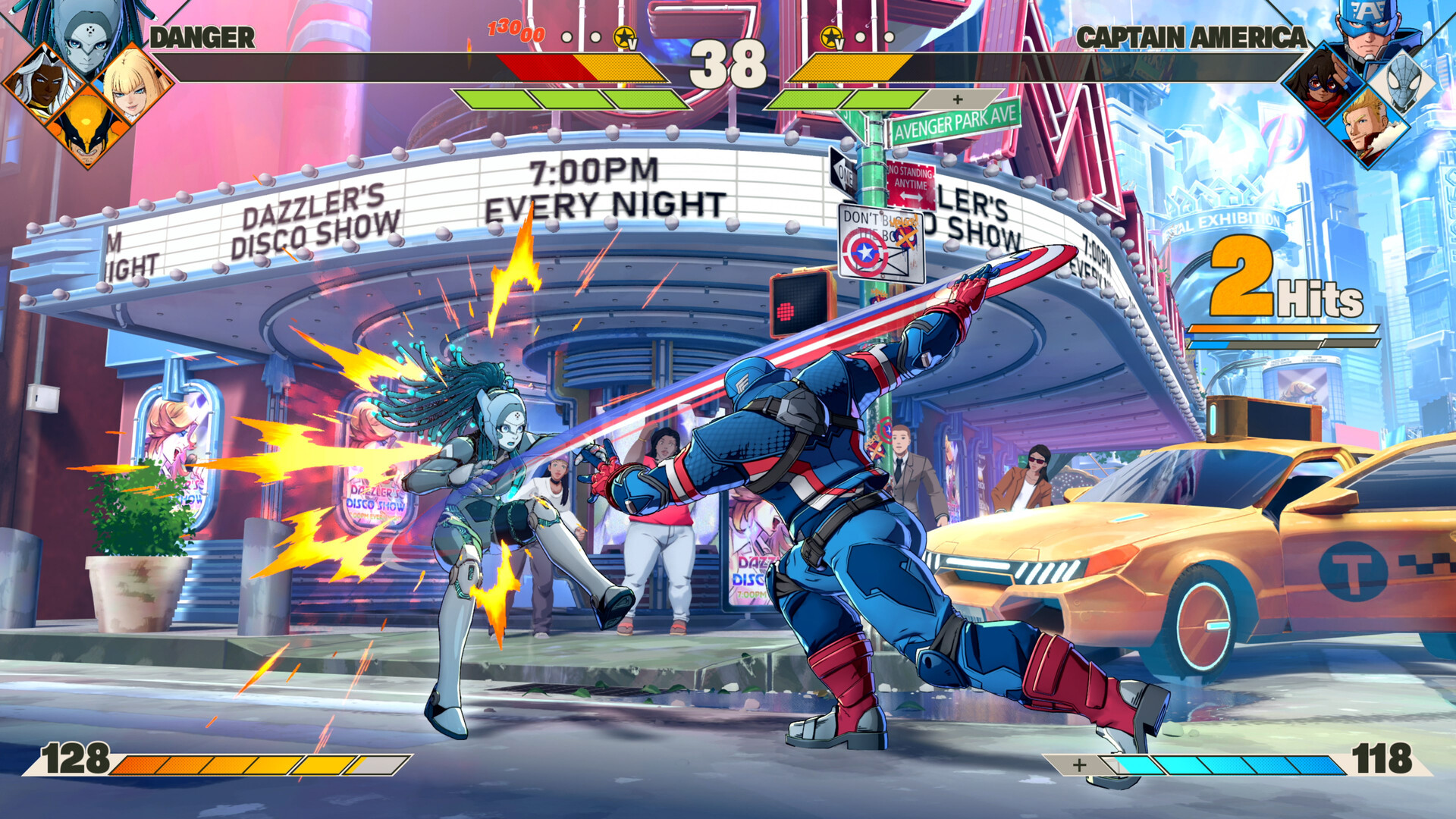
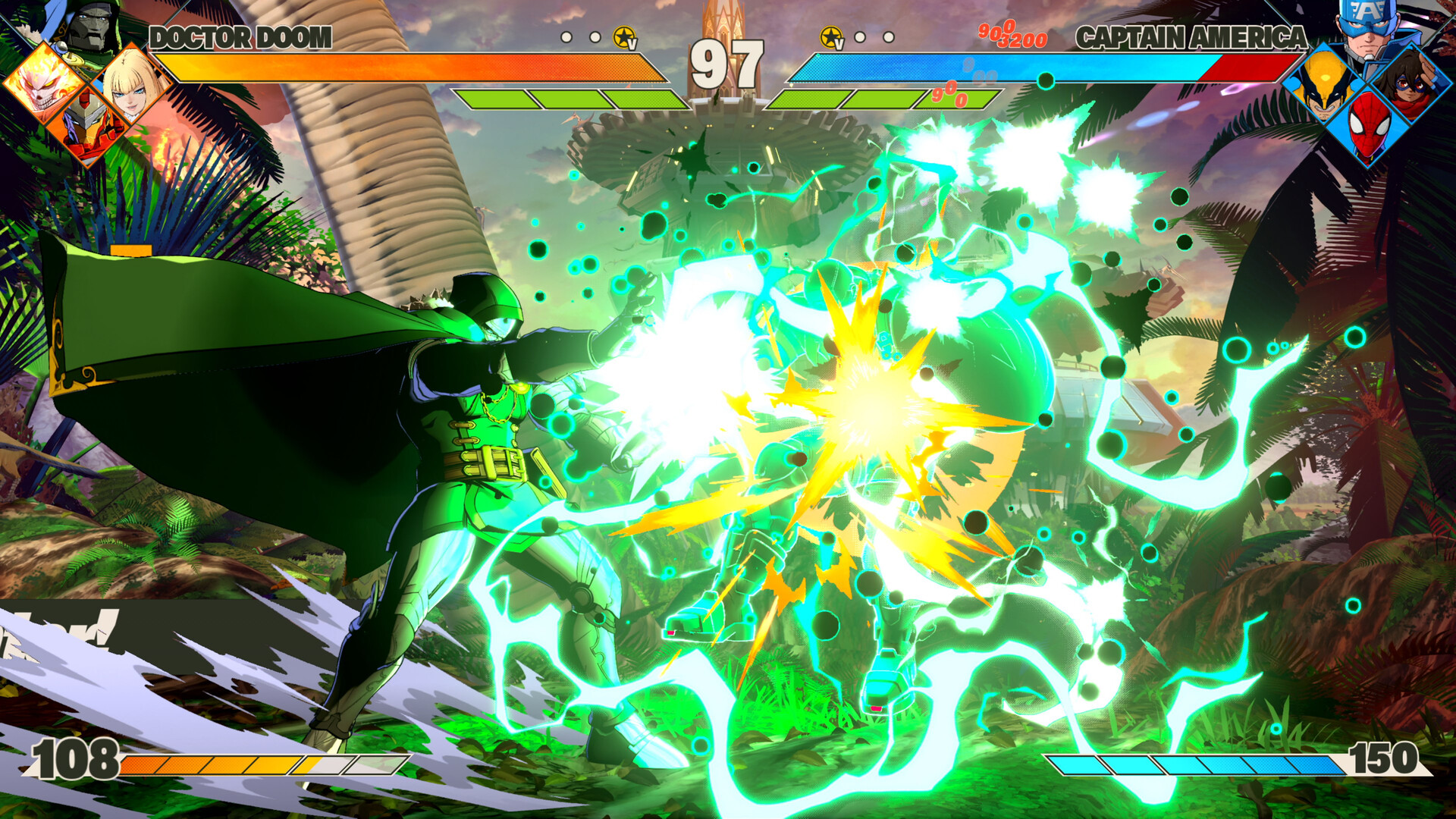
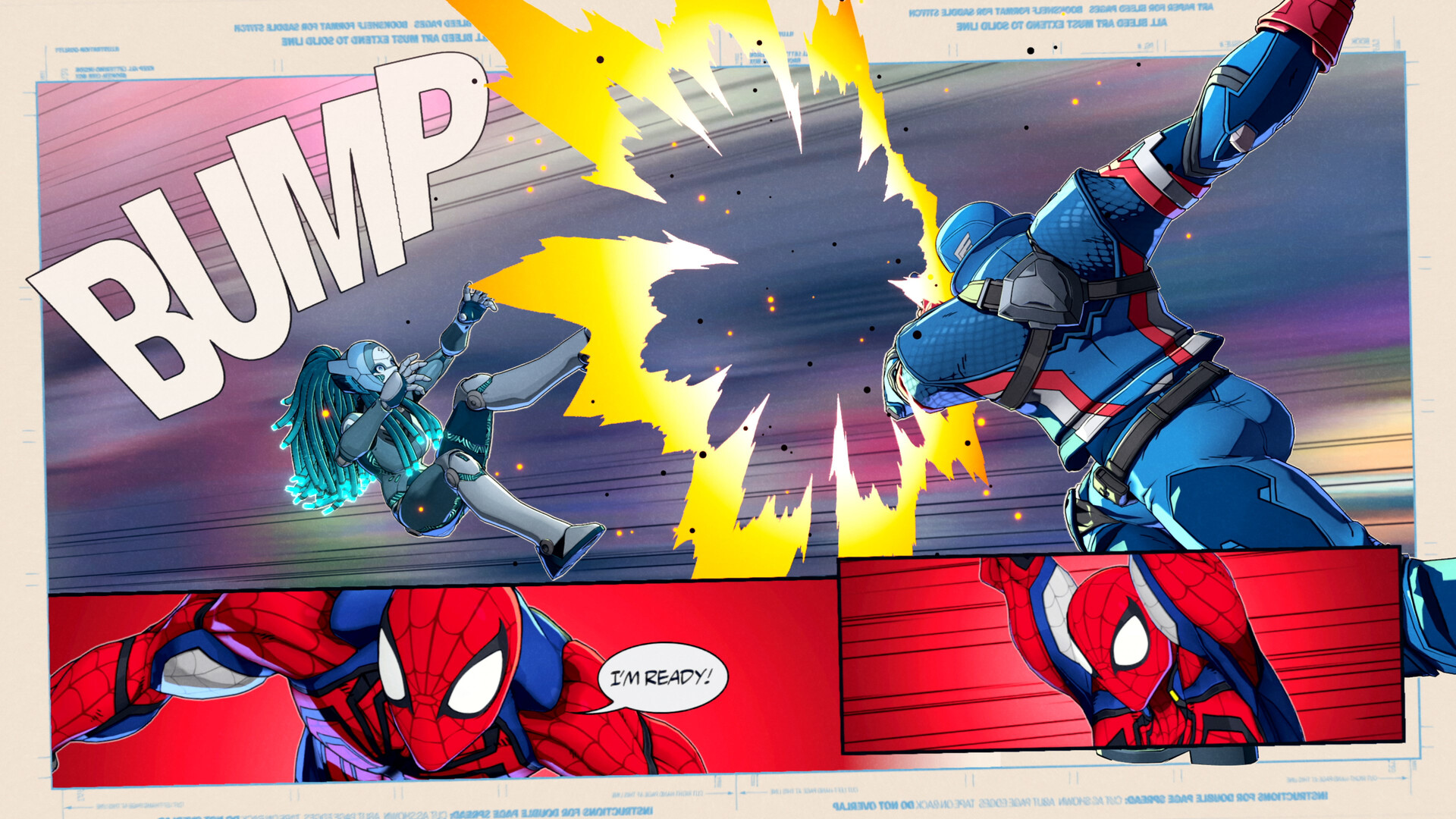
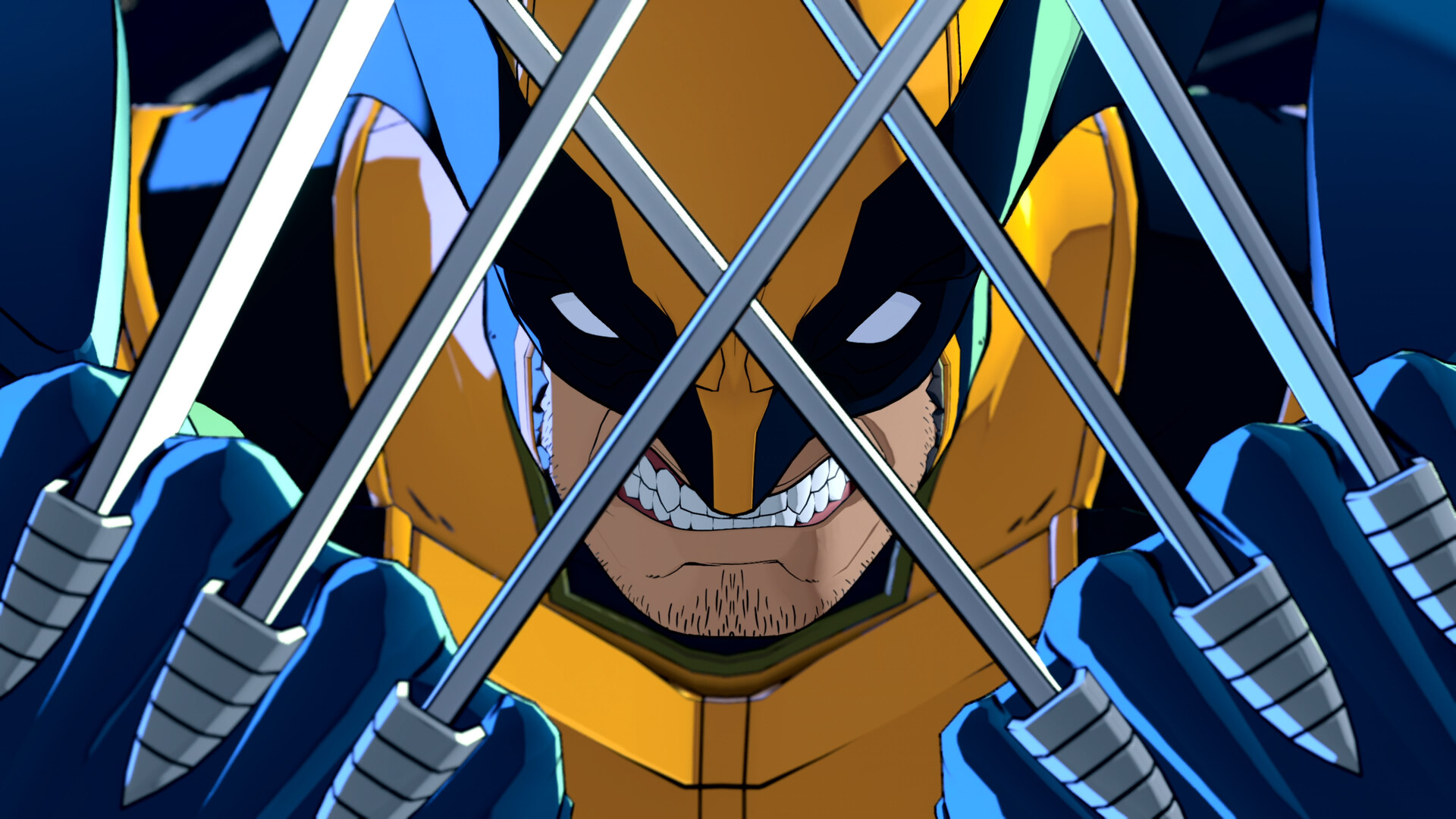
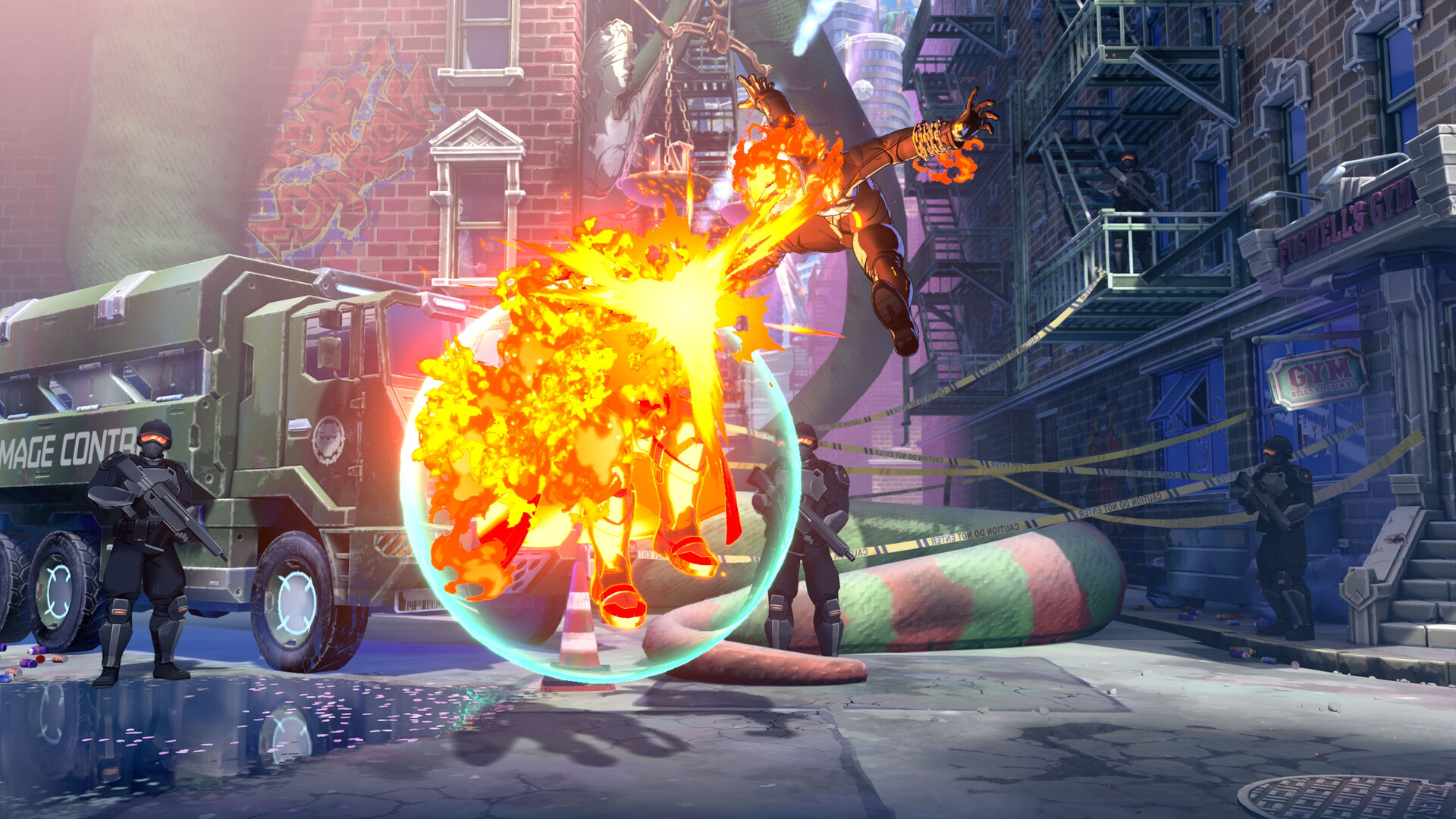
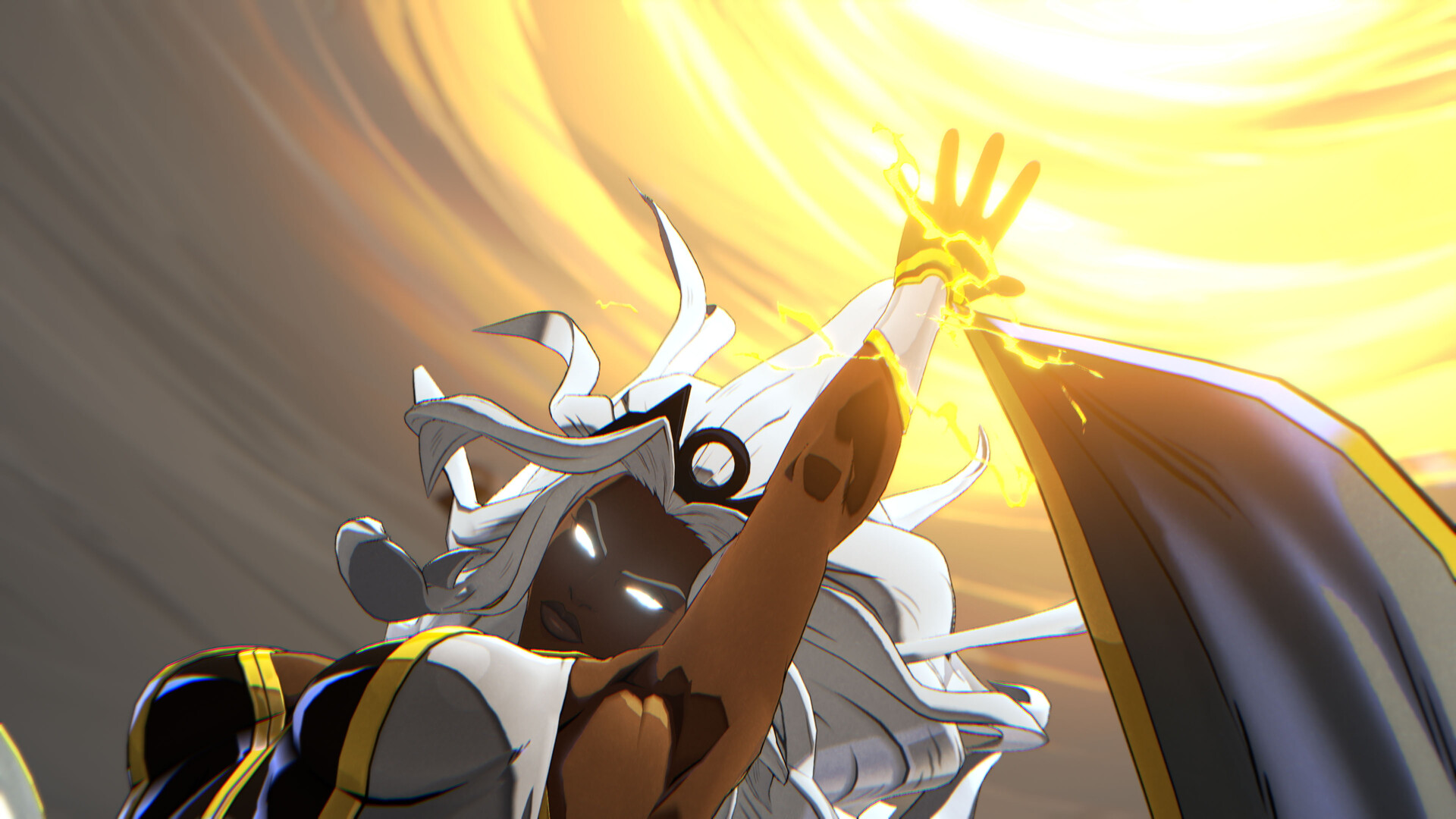
集结传奇漫威角色组建战队,激战终极4v4团队格斗游戏。
游戏视频
游戏截图
如何启动游戏
玩法:
- 启动 Steam。
- 使用位于游戏主目录下的 start_protected_game.exe 启动游戏。
(通过 Steam 启动游戏后,会显示您正在玩《太空战争》。)
注意:
启动游戏时,您可能会遇到一些错误。这些错误通常不会造成任何问题。您只需点击“确定”,游戏即可正常启动。
但是,如果这些错误让您感到困扰或游戏无法启动,请运行以下脚本:
“eos_eac_install_29e5cd54310aa0162befef42f9509cd3a9b0678f.bat” 和 “pspcsdkruntime_6.50.00.10.bat”,
路径为:“MTFS\Binaries\Win64\Prerequisites”。
这将安装必要的组件。
How To Play:
- Launch Steam.
- Launch the game using start_protected_game.exe located in the game’s main directory.
(When the game launches through Steam, it will show that you are playing Spacewar.)
NOTE:
When launching the game, you may encounter few errors. They have never caused any problems.
You simply clicked “OK”, and the game continued launching normally.
However, if these errors bother you or the game refuses to launch, run
“eos_eac_install_29e5cd54310aa0162befef42f9509cd3a9b0678f.bat” and
“pspcsdkruntime_6.50.00.10.bat” from: “MTFS\Binaries\Win64\Prerequisites”
This will install the necessary components.
版本介绍
Build.24648463 | 容量25.6GB | 官方简体中文 | 支持键盘.鼠标.手柄

评论(0)